





Stop Losing Taps to Bad Thumb Zones and Tiny Targets
The reach-map, target-size, and bottom-anchor rules that turn a fiddly mobile UI into one people navigate one-handed without thinking.
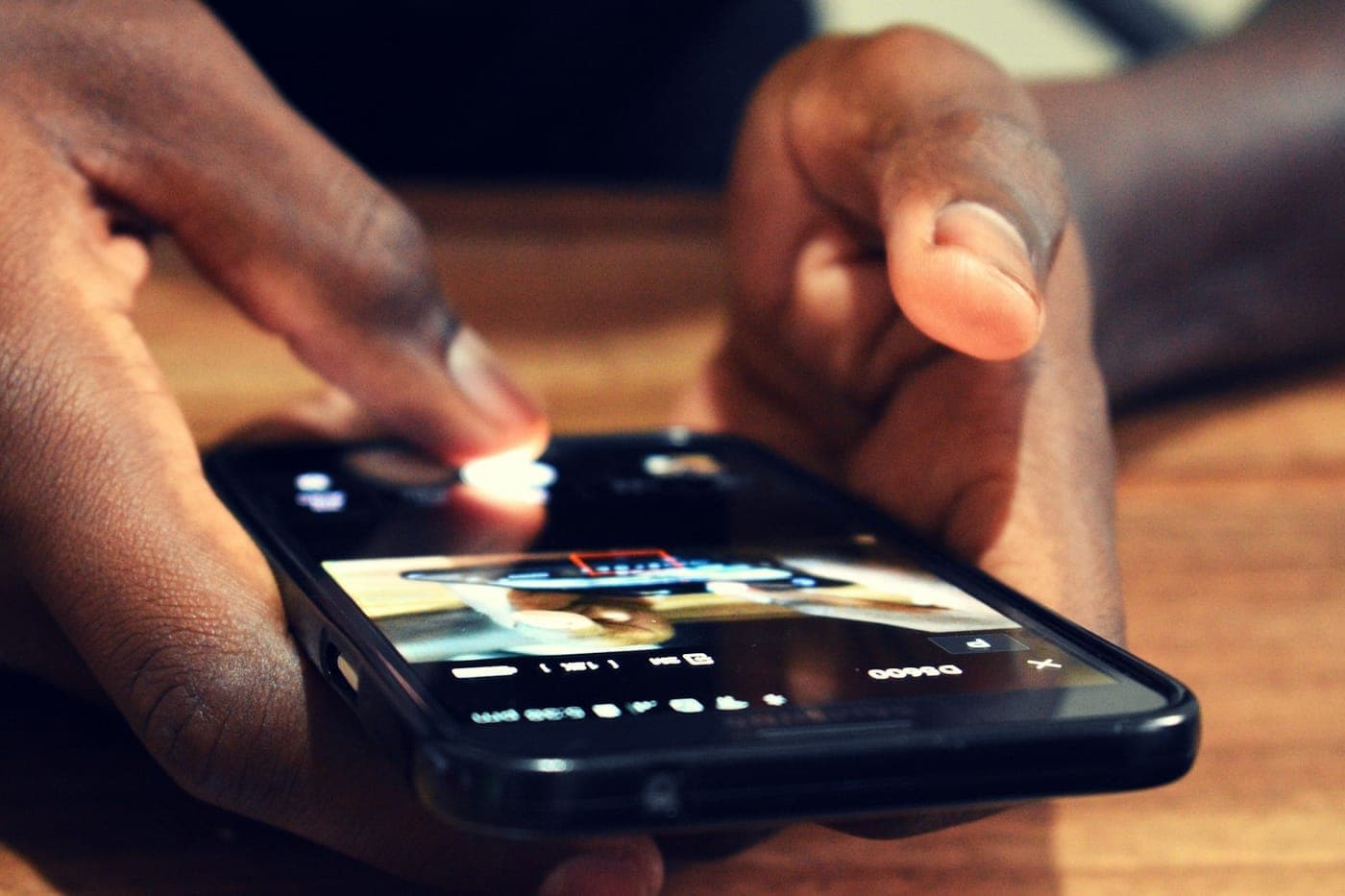
A mobile interface can look beautiful on a designer's monitor and be genuinely frustrating in a real hand on a real phone. The reason is almost always physical: the targets are too small to hit reliably, or the important buttons sit in the part of the screen a thumb cannot comfortably reach. Both problems are invisible on a desktop mockup and obvious the second someone tries to use the thing one-handed on a bus, which is how most people actually use their phones.
Around three quarters of all smartphone interactions are driven by the thumb, and most of those happen one-handed. That single fact should shape every mobile layout decision you make, because it means the screen is not a uniform surface where any control is as easy to hit as any other. It is a map of easy zones and hard zones, and a tiny target in a hard zone is a tap your user will miss, retry, and resent.
Target size: the numbers that actually apply
There are several published minimums, and they are not contradictory, they apply at different levels of strictness. Knowing which is which keeps you from either under-building or over-arguing.
- Apple's Human Interface Guidelines specify a minimum tappable area of 44 by 44 points for iOS. This is the long-standing iOS baseline.
- Material Design 3 sets a minimum of 48 by 48 dp for Android touch targets. The 48dp figure comes from extensive testing across diverse users and devices, and it is sized to accommodate most people comfortably and reduce mis-taps.
- WCAG 2.2 added a target-size success criterion at Level AA requiring at least 24 by 24 CSS pixels, with a spacing exception: a target smaller than that is acceptable if a 24px circle centred on it does not overlap the circle of any adjacent target. The stricter AAA level wants 44 by 44. The same accessibility lens applies to colour, where hitting WCAG contrast without wrecking your brand palette is the companion discipline to target size.
The practical synthesis: design your primary touch targets at 44 to 48 px, which satisfies both platform guidelines and the AAA accessibility bar comfortably. Treat the 24px WCAG AA minimum as the absolute floor for small, secondary controls, and when something must be that small, give it enough spacing that a 24px circle around it does not collide with its neighbours. The visible icon can be small for aesthetics; the tappable area around it should still meet the minimum, which you achieve with padding rather than by making the glyph bigger.
It is also worth knowing that the assumptions behind the original 44pt figure have shifted. Phones are now commonly 6.1 to 6.9 inches, people hold them lower, often two-handed, often while walking or distracted. The targets that worked on a 4-inch phone held still are not automatically fine on a large phone held loosely. If anything, the trend argues for the larger end of the range.
The thumb zone: not all of the screen is equal
Size is half the problem. Position is the other half, and it is the one teams forget. Steven Hoober's thumb-reach research maps the screen into zones based on what a thumb can comfortably reach in a one-handed grip, and the map is a curved arc, not a uniform grid.
For a right-handed user on a large phone, the bottom-right is the easy, natural zone. The bottom-centre and bottom-left are reachable. The top of the screen, and especially the top-left for a right-handed grip, is a stretch that requires shifting the grip or using a second hand. The corners farthest from the holding thumb are the hardest places on the entire screen to hit.
This produces a clear design rule: primary actions belong in the bottom 40 percent of the screen. The thing the user does most, the main call to action, the submit button, the primary navigation, goes where the thumb already is, not at the top where their thumb has to climb. The heuristic to keep in your head: if a user hits a control more than twice per session, it belongs at the bottom. The same thumb-zone thinking shapes building a PWA that feels native on iOS despite Safari's limits, where a home-screen app loses the browser chrome and your bottom-anchored navigation becomes the whole story.

This is exactly why the major platforms moved their important controls downward. iOS pushed sheet-based modals with bottom-anchored CTAs. Material 3 introduced the bottom app bar. Both are formalisations of the same insight: put the frequent, important actions in the thumb's natural arc, and the interface becomes something people navigate without thinking, instead of something they fight.
What this looks like in a real layout
Translating the zones into concrete decisions:
- Primary navigation goes at the bottom. A bottom tab bar or bottom navigation puts the most-used destinations in the easy zone. A hamburger menu tucked in the top corner is the opposite, the single most-used control placed in the hardest-to-reach spot. Where each control leads is its own discipline, the case for designing your site as a connected graph so users never hit a dead end.
- The main CTA on any screen sits low, ideally pinned to the bottom of the viewport or just above it, where the thumb rests. A "complete order" button at the top of a long form means the user scrolls down to read it and then reaches all the way back up to act.
- Modals and confirmations come up from the bottom as sheets, with their actions at the bottom of the sheet, so the decision and the tap to confirm it both land in the reachable zone.
- Destructive or rare actions can live higher up, because making them slightly harder to reach is a feature, not a bug, it reduces accidental taps on the things you do not want tapped by reflex. When one of those rare actions does fire by mistake, error messages that recover trust instead of losing customers decide whether the user forgives the slip.
- Give every interactive element breathing room. Crowded targets cause mis-taps even when each one meets the size minimum, because a thumb is wider than a mouse cursor and lands imprecisely. Spacing between targets is as important as the targets' own size, and so is making sure nothing on the screen forces horizontal overflow, which you want to make structurally impossible on mobile.
Test it the way it will be used
The trap is testing on a desktop browser resized to phone width, or on a phone held in two hands at a desk, neither of which reproduces the real condition: one hand, thumb only, a large phone held loosely, attention divided. A layout that feels fine in those comfortable test conditions can be a genuine struggle for the user reaching across a 6.7-inch screen with one thumb on a moving train.
So test at real mobile widths, with real one-handed reach in mind, and watch specifically for two things: targets you have to aim carefully to hit, and important actions that require a grip shift to reach. Both are friction the user feels on every interaction, and both are cheap to fix once you see them, by enlarging the tap area and moving the action down into the thumb zone.
This is the level of attention that separates a mobile app or mobile-friendly website that people navigate effortlessly from one that technically works but quietly annoys everyone who uses it one-handed. The size minimums and the thumb-zone map are not abstract guidelines, they are the difference between a tap that lands and a tap that misses, multiplied across every interaction in the product. When the targets are the right size and the important ones are where the thumb already is, the interface disappears and the user just gets things done, which is the whole point, and the small responsive details that confirm a tap landed are the micro-interactions that separate a premium product from a prototype. If your mobile experience feels fiddly and you are not sure why, the size-and-reach audit is fast, and it usually surfaces the culprits quickly.