





Turn Noisy Server Logs Into Alerts You Actually Trust
Read the error body, not the alert headline. JSON logs and tuned, specific alerts cut the noise so one investigation finds the root cause.
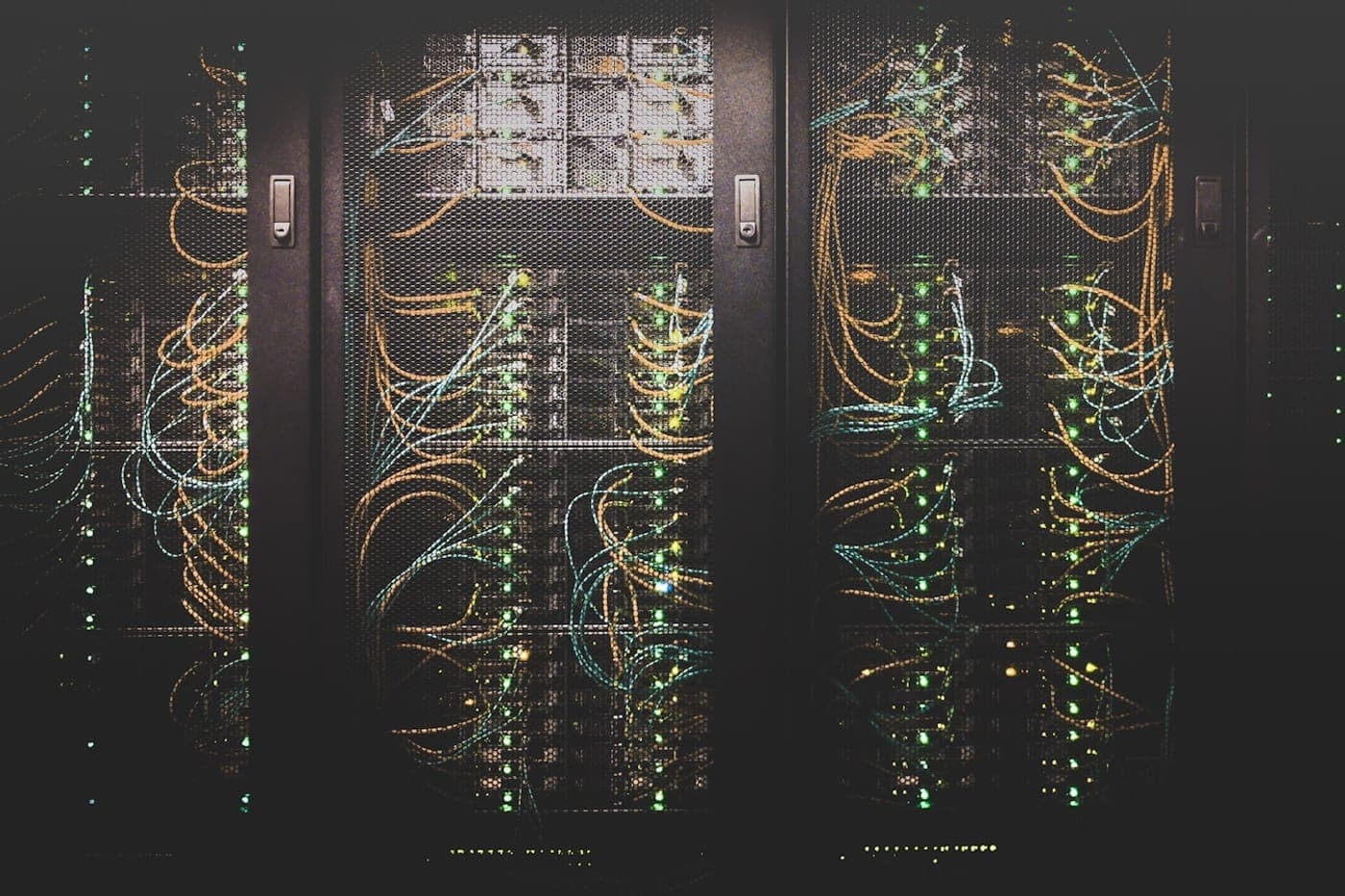
There is a particular kind of 3am page that teaches you everything wrong with your logging. An alert fires that just says "errors detected on web-01." You SSH in, tail the log, and stare at a river of text where the actual error is buried under a thousand lines of routine noise. You guess at the cause, apply a fix, and go back to bed. The next night it fires again, because you fixed a symptom you never actually read.
The problem is not that you have too few logs. It is that your logs are prose written for nobody to read and your alerts are vague enough to mean anything. Studies of operations teams put more than half of all alerts in the false-positive bucket. Each one trains the on-call engineer to trust the alerts a little less, until a real outage is just one more notification to swipe away. The fix is to make logs machine-readable, make alerts specific, and read the actual error body before touching anything.
Read the error, not the subject line
Start with the discipline that prevents the most wasted hours: read the actual error content first. Not the alert subject, not the log summary, the real payload. We have watched (and, honestly, committed) the failure where four different fixes get applied to a problem based on what the alert headline implied, when one look at the error body would have shown the true cause in seconds.
A real example of this pattern: a server kept emitting security notification emails, and a previous round of fixes touched aliases, PAM config, and login banners, none of which were the problem. The error body, sitting right there in the email, said the host could not resolve its own hostname when parsing sudoers. The fix was one line in /etc/hosts. A single read of the body would have found it immediately instead of hours of guessing. The same read-first discipline applies when an SSH lockout takes a whole server offline and the instinct is to start changing things instead of reading why.
Structured logging exists to make that read fast. When the error and its full context are a queryable object instead of a sentence, you stop guessing and start filtering.
Structured logging means JSON, not sentences
A log line written as prose is a dead end for automation. You cannot reliably count occurrences of it, filter it by user, or correlate it across services. A structured log line is an object with named fields, and JSON is the standard format:
{
  "ts": "2026-06-21T03:14:07Z",
  "level": "ERROR",
  "service": "checkout",
  "event": "payment_gateway_timeout",
  "request_id": "a3f9c2",
  "user_id": "u_8812",
  "gateway": "paystack",
  "elapsed_ms": 5120,
  "error": "upstream timeout after 5000ms"
}
Now every field is queryable. You can count payment_gateway_timeout events in the last two minutes, group them by gateway, follow a single request_id across every service it touched, and see the exact elapsed_ms that tripped the timeout. The full error payload is in the error field, ready to read, not summarized away.
The properties that make structured logs worth the effort:
- Consistent levels. DEBUG, INFO, WARN, ERROR, CRITICAL, used the same way everywhere. Teams that set these up correctly report far fewer false alerts because the noisy DEBUG and INFO lines never reach the alerting path in the first place.
- Rich context on every line. Request id, user id, service name, timestamp. The line should answer "who, where, and in what flow" without you cross-referencing three other logs.
- A stable
eventname. A short machine key likepayment_gateway_timeoutthat you alert on and trend over time. The human-readable message can vary; the event name must not. - Filtering at the source. Drop the low-value lines before they ship. Logging everything at full verbosity in production buries the signal and costs you storage. Teams that adopt structured logging routinely cut both incident resolution time and storage cost dramatically by logging less, but logging it well.
Alerts that drive action, not anxiety
A good alert has three properties: it is specific, it is actionable, and it is tuned. "Errors detected" is none of these. It tells you something is wrong, somewhere, of some kind. Compare it to an alert built on a structured event:
payment_gateway_timeoutexceeded 5 occurrences in 2 minutes on the checkout service, gateway=paystack.
That alert names the failure, the threshold that tripped it, the service, and the dependency. The on-call engineer reads it and already knows where to look and what to check. There is nothing to guess. This is the difference between an alert that gets investigated and an alert that gets dismissed.
Build alerts on event names and rates, not on raw log volume. Alert when a specific event crosses a threshold over a window, not when "log lines went up." Consolidate related alerts into one notification rather than firing twenty pages for one root cause, because a cascade of pages for a single incident is how you train people to mute the channel.
Route by severity, not by everything

Not every signal deserves a page. Wire the routing to match the stakes:
- CRITICAL and paging ERROR events go to the on-call phone. These are "wake someone up" conditions: the service is down, payments are failing, data is at risk.
- WARN and non-paging ERROR events go to a chat channel for the next working hour. They are real but not bleeding.
- INFO and DEBUG go to the log store only, never to a human notification. They exist for the investigation, not the alert.
This single discipline, deciding what is allowed to page a human, is what converts a screaming dashboard into a calm one. The signal that matters reaches a person; the noise stays where it belongs.
Logs, metrics, and traces together find the root cause
Structured logging is one leg of a tripod. The full loop for a fast root-cause analysis runs across all three signals: an alert points at a metric spike, a trace isolates which hop slowed down, and the logs reveal the exact error payload and root cause. This is the same approach behind instrumenting your app so you find the root cause in minutes not hours. Without structured logs, that last step fails, because you cannot pivot from a trace's request_id to the precise log lines for that request when your logs are unstructured prose.
When the three connect, mean time to resolution drops sharply. The number teams report after adopting structured logging is often a 70 percent cut in time to resolve, because the investigation that used to be archaeology becomes a query: filter to the request_id, read the error field, fix the actual cause. That measured resolution time is also what lets you set reliability targets your whole company can agree on instead of arguing over a gut feeling.
This is operations discipline, not tooling
You do not need an expensive platform to get here. A consistent JSON format, sane severity levels, event names you alert on, and routing that respects what is worth waking a human for, all of that is configuration and discipline, not a purchase. The expensive platforms help at scale, but the fundamentals are free and they are what actually reduce the 3am pages.
This is the standard we hold on every box we run under server administration, and it is the same instinct built into LadenX, our AI site-reliability engineer: read the real signal, classify it, and act on the root cause rather than the headline. The same clean signal is what makes autonomous fixes safe to give guardrails rather than letting an agent act on a vague headline. Clean signal is also the foundation that lets an AI SRE diagnose root cause rather than just restart the service, and that cuts the on-call burden to near zero. An alert should tell the truth about what broke, point at where to look, and never fire for something a human cannot act on. Get there, and the on-call rotation stops being a thing people dread and starts being a thing that actually catches problems.
The next time an alert fires, the first move is the same regardless of tooling. Read the error body. Then let your structured logs and tuned alerts make sure you only have to read it once.